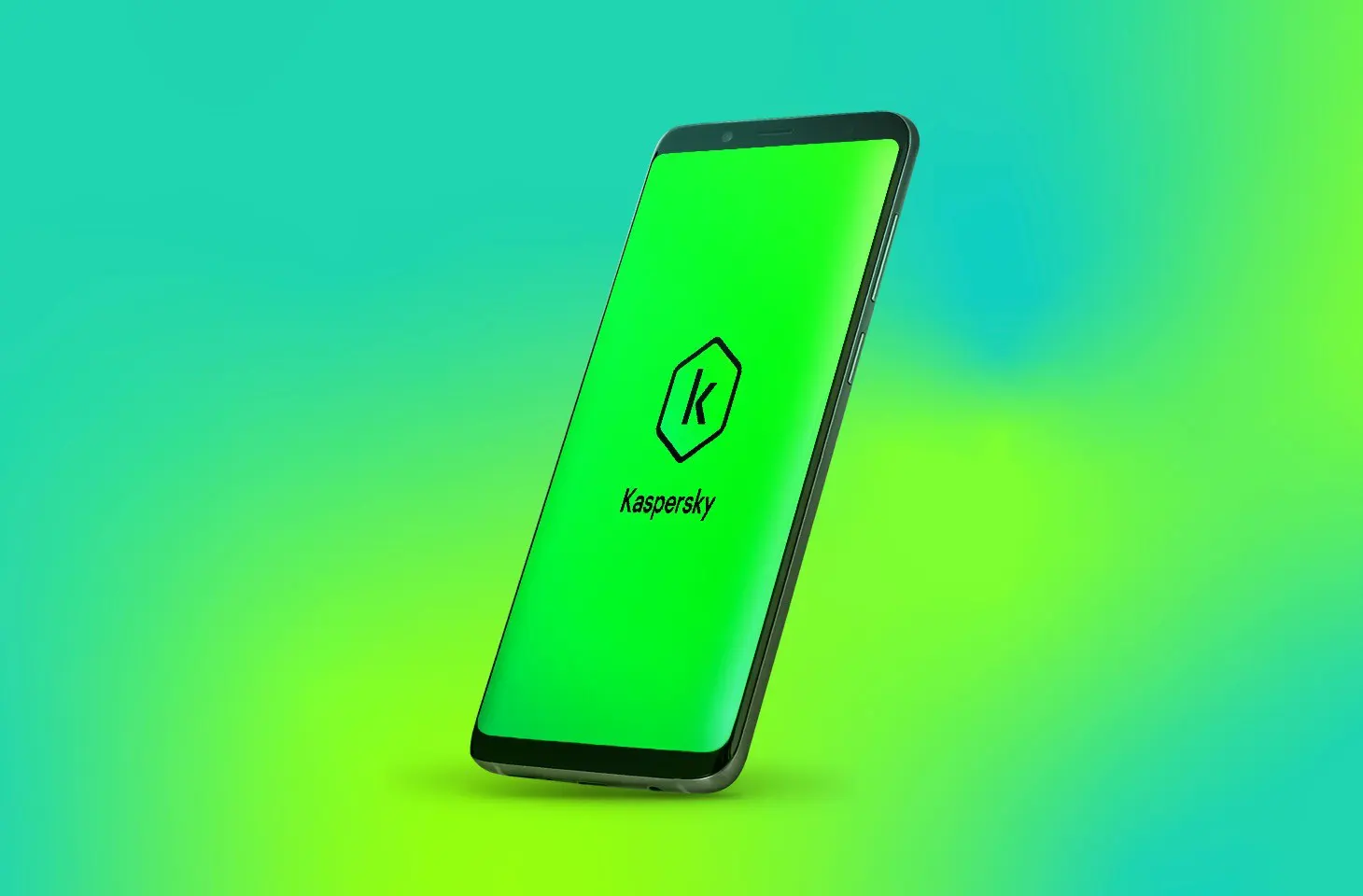
Yes, Kaspersky works on your phone. Every Kaspersky Standard, Plus and Premium box sold in Kenya covers Android phones and iPhones as well as Windows laptops and Macs. A Kaspersky Standard 3-device pack at KSh 3,000 (November 2026) protects one laptop and two phones for a year. At Mascom International in Nairobi, most buyers still think Kaspersky is only for computers.
Key facts
- One Kaspersky activation code covers any mix of Windows PCs, Macs, Android phones and iPhones, up to the device count on the box.
- On Android, Kaspersky scans apps for malware, blocks dangerous links and can locate, lock or wipe a lost phone.
- On iPhone, Kaspersky Standard checks weak settings, Wi-Fi networks and QR codes, filters phishing links and protects banking sites.
- Kaspersky Plus adds a full VPN, a password manager and private browsing on the phone; Mascom's Plus prices start at KSh 3,200 for 1 device.
Why does your phone need Kaspersky in Kenya?
For most Kenyans, the phone now carries more risk than the laptop. It holds M-Pesa, mobile banking apps, WhatsApp chats and work email. It is also where scams arrive: fake M-Pesa reversal messages, links promising a job or a prize, and loan apps that ask for far more access than they need.
Phones also get lost. A phone snatched from a matatu window in town or left in a boda boda carries your accounts away with it. Protecting the laptop at home while the phone stays bare leaves the most-used device open.
What does Kaspersky do on an Android phone?
Kaspersky's Android app gives the fullest phone protection, because Android lets security apps check other apps. Kaspersky's help pages list a malware Scan and Automatic Anti-Virus, which checks new apps as you install them. That matters for buyers who install APK files shared on WhatsApp or download loan and betting apps outside Google Play.
The Android app also includes Where Is My Device, which can locate, lock or wipe a lost phone remotely, and App Lock for keeping chats and M-Pesa away from curious eyes. Kaspersky also lists a Call Filter and its VPN and password manager. Exactly which tools you get depends on your plan, so the app shows locked tools with an upgrade prompt.
What does Kaspersky do on an iPhone?
On an iPhone, Kaspersky focuses on links, networks and privacy rather than scanning apps. Apple keeps iPhone apps sealed off from each other, so no security app can scan your other apps the way it can on Android. Kaspersky's iPhone help page lists what each plan includes.
Kaspersky Standard on iPhone includes Security Scan, which flags weak settings and a jailbroken phone. It also has a Phishing and Malware Filter, a Wi-Fi Security Check for cafe and campus networks, a Secure QR Scanner and Safe Money for banking sites. Kaspersky Plus adds the full VPN with a Kill Switch, a password manager, private browsing and Anti-Banner. Kaspersky Premium adds Identity Theft Check and the Identity Protection Wallet. The app needs 150 MB of free space.
How do you put Kaspersky on your phone?
Download the official Kaspersky app from Google Play or the App Store. Open it and sign in to the same My Kaspersky account you used for your laptop, or create one and enter the activation code from your box. The phone then takes one slot of your device count.
If your laptop already uses a 1-device licence, the phone needs its own slot. The simplest fix is to buy a 3-device or 5-device pack at your next renewal and put the whole household on one code and one renewal date. Install it on your phone before you use the device for M-Pesa or banking.
Which Kaspersky plan gives your phone the most?
Kaspersky Standard covers the core risks on a phone: dangerous links, unsafe Wi-Fi and banking pages. It suits buyers who use their phone mainly on Safaricom or Airtel Kenya data and home Wi-Fi.
Kaspersky Plus is the better choice for phones used on public Wi-Fi in hotels, airports or university hostels, because the full VPN encrypts that traffic. Plus also brings the password manager, so you can stop reusing one password for email, banking and social media. Kaspersky Premium suits parents, because it adds identity tools and Kaspersky Safe Kids for a child's phone. Our Kaspersky Standard vs Plus vs Premium guide compares all three in full.
Common mistakes when protecting a phone
- Buying a 1-device box for the laptop only. The phone, which carries M-Pesa and banking, stays unprotected.
- Installing a free "cleaner" or "booster" app instead of real security. Many of these show ads and do little else.
- Using a cracked or shared key from an online seller. These stop updating or get blocked, often within weeks.
- Skipping the iPhone because "iPhones do not get viruses". Phishing links and fake login pages work on any phone.
Kaspersky packs that cover your phone
- One phone only: Kaspersky Standard 1 device, KSh 2,800.
- One laptop and two phones: Kaspersky Standard 3 devices at KSh 3,000, or Kaspersky Plus 3 devices at KSh 3,600 for the VPN.
- A household of five screens: Kaspersky Standard 5 devices, KSh 3,300.
- A family with children's phones: Kaspersky Premium 5 devices, KSh 4,500.
Prices change with supply, so each product page shows today's price. Offices that also need staff phones protected can read our Kaspersky Small Office Security guide.
Common questions
Does one Kaspersky licence cover my laptop and my phone?
Yes, as long as the box has enough device slots. A Kaspersky licence counts devices, not types, so a 3-device pack can cover one Windows laptop, one Android phone and one iPhone. At Mascom International, Kaspersky Standard for 3 devices costs KSh 3,000 in November 2026, only KSh 200 more than the 1-device box. All devices share one My Kaspersky account and one renewal date.
Is Kaspersky worth it on an iPhone?
Kaspersky is worth it on an iPhone if you bank, pay or shop on it. iPhones rarely catch traditional viruses, but phishing links, fake login pages and unsafe Wi-Fi work on any phone. Kaspersky Standard on iPhone filters phishing links, checks Wi-Fi networks and QR codes, and protects banking sites. Kaspersky Plus adds a full VPN and a password manager.
Can Kaspersky help me find a stolen Android phone?
Kaspersky's Android app includes Where Is My Device, which can locate, lock or wipe a lost or stolen phone remotely from your My Kaspersky account. It works only if Kaspersky was installed and signed in before the phone went missing, and the phone needs a data connection. Report the theft to your network provider and the police as well, so the line can be blocked.
Does Kaspersky stop M-Pesa scams on my phone?
Kaspersky blocks dangerous links you open from SMS, WhatsApp or email, which stops many fake M-Pesa reversal and prize scams before you enter a PIN or password. It cannot stop you from sending money to a scammer by choice, so never share your M-Pesa PIN. On Android, Kaspersky also checks new apps, including fake loan apps installed outside Google Play.
Where can I buy Kaspersky for my phone in Nairobi and pay on delivery?
Mascom International sells sealed Kaspersky retail boxes at Old Mutual Building, Kimathi Street, Nairobi CBD. You can pay on arrival before you unseal the box, anywhere in Kenya. You can also pay first by M-Pesa, and we send a photo of the activation code on WhatsApp within 1 hour, so you can install it on your phone the same day.
Where to buy Kaspersky for your phone in Kenya
Mascom International stocks every Kaspersky home plan as a genuine, sealed retail box, with the full Kaspersky range listed online. Visit us at Old Mutual Building, First Floor Room 4, Kimathi Street, Nairobi CBD, Monday-Saturday 9:00 AM-7:00 PM. Phone/WhatsApp: +254 708 852 521. Email info@mascomintl.com or order at www.mascomintl.com.
We deliver countrywide with pay-on-arrival to all 47 counties. Nairobi and its environs get same-day delivery, and other major cities and towns receive orders within 1 business day. Mandera, Wajir, Marsabit, Lamu, Tana River, and Turkana receive delivery within 2-3 business days. Prefer to start sooner? Pay first and the code reaches you on WhatsApp within 1 hour.