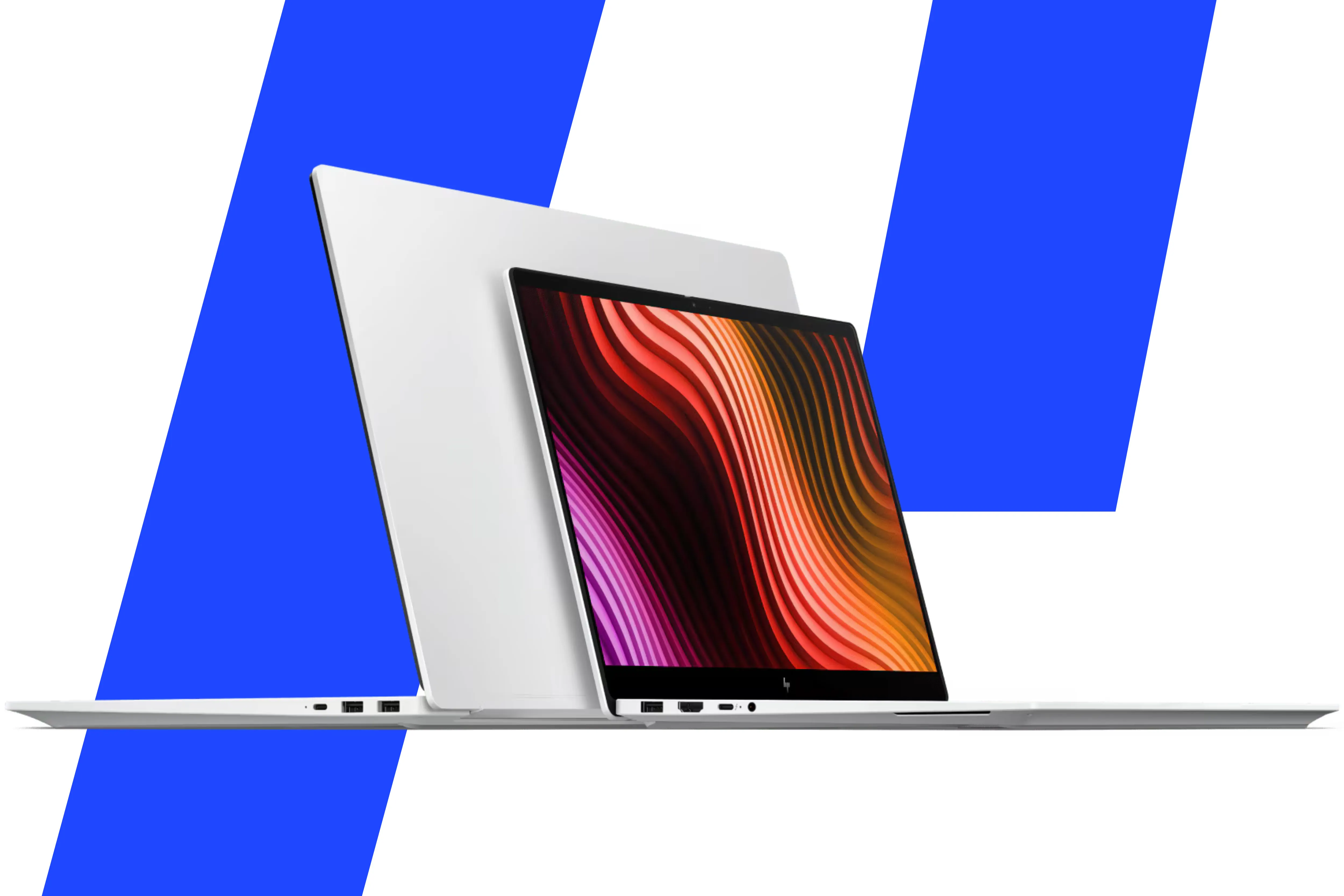
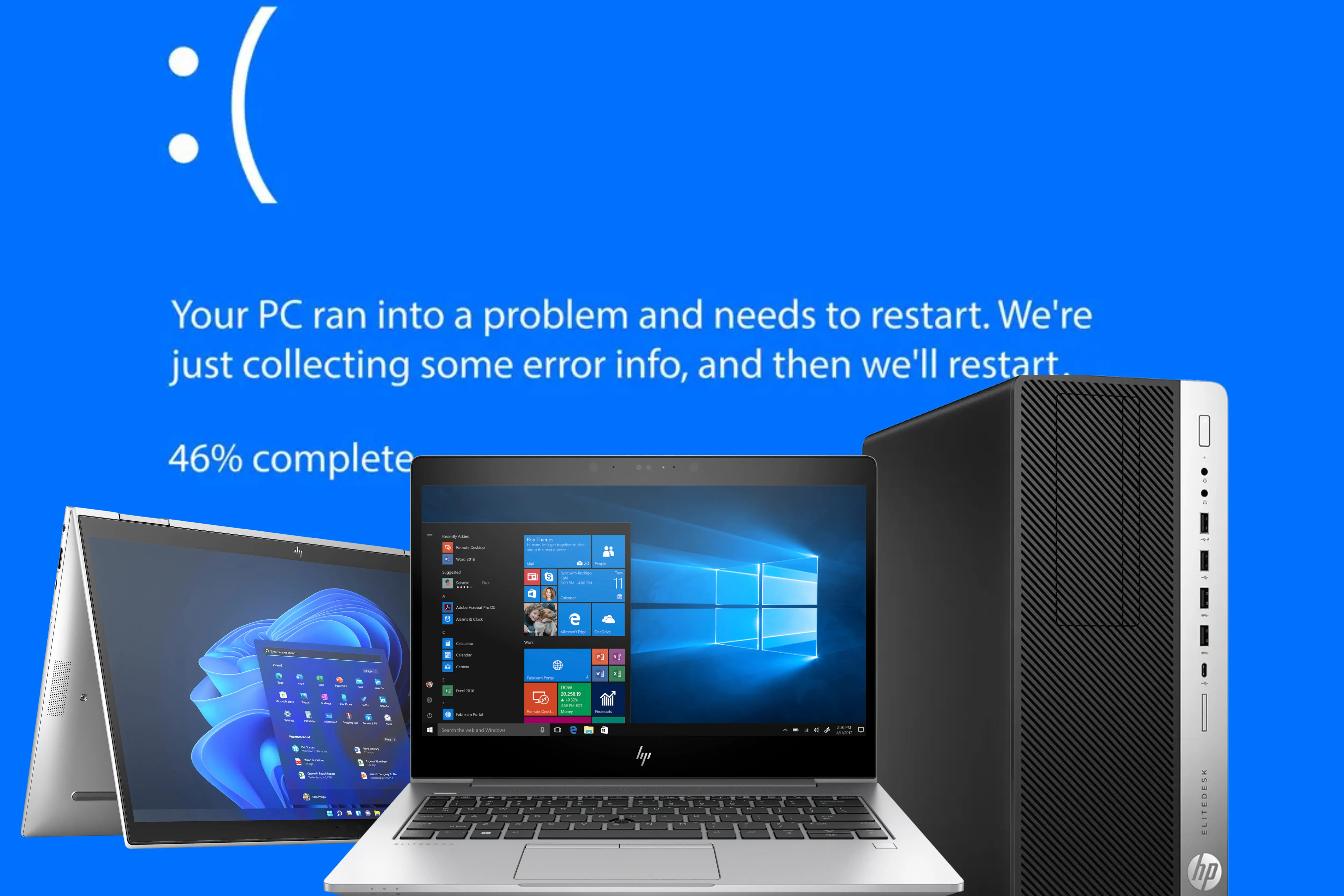
The HP EliteBook BIOS update problem traces back to faulty HP firmware released in April 2026 and pushed out through Windows Update. Affected laptops refuse to start, freeze at boot or crash to a blue screen. At Mascom International in Nairobi, installing HP's latest BIOS, from HP's support site or from Windows Update, cleared the fault on every affected unit we tested. A used HP EliteBook 845 G8 costs KSh 36,800 at our shop (November 2026).
Key facts
- HP published a support advisory on 11 May 2026 covering all HP commercial notebooks running Windows 11 versions 23H2, 24H2 and 25H2.
- The faulty firmware arrived as a critical update through Windows Update, so many laptops installed it without the owner choosing to.
- The fault sits in the handover of Microsoft's 2023 Secure Boot certificates between Windows and the BIOS.
- At Mascom International, the HP EliteBook 1040 G8, 1030 G8, 845 G8, 1030 G4 and 1040 G7 showed the fault, and most would not power on.
What is the HP EliteBook BIOS update problem?
The HP EliteBook BIOS update problem is a firmware fault, not a hardware failure. In April 2026, HP released BIOS updates for its business laptops, desktops and workstations. Windows Update installed them automatically because they were flagged as critical.
The updates were meant to prepare each machine for Microsoft's new 2023 Secure Boot certificates. On many machines that handover failed. Some laptops then froze during startup or showed a blue screen. Others kept asking for a BitLocker recovery key on every restart. HP confirmed the issue in a support advisory and suggested affected owners contact HP support while it worked on a fix.
Why does this matter for laptop owners in Kenya?
Most HP EliteBooks sold in Kenya are used business imports, and their HP warranty has usually expired. When a BIOS update breaks one, the owner cannot walk into an HP service centre for a free repair. Many buyers then assume the motherboard is dead and pay for parts they do not need.
Power is the other risk. A KPLC outage in the middle of a BIOS update can corrupt the firmware completely. Office workers in Upper Hill and Westlands, university students and NGO staff in the counties all use these laptops daily, so a dead EliteBook usually means lost work days.
How do you fix an HP EliteBook that will not start after a BIOS update?
An HP EliteBook that shows no display after a BIOS update can often be revived with HP's built-in BIOS recovery. HP documents these steps for its notebooks:
- Turn the laptop off and connect the charger.
- Press and hold the Windows key and the B key together.
- While holding them, press the power button for 2 to 3 seconds, then release only the power button.
- Keep holding Windows and B until the HP BIOS Update screen appears or the laptop beeps. Recovery then runs on its own.
If the recovery screen does not appear, HP says to repeat the steps with the Windows key and the V key. If neither works, the board may not support the feature, or there is a separate hardware fault that needs a technician.
How do you install the HP update that fixes the problem?
Once the HP EliteBook reaches the Windows desktop, install the latest BIOS for its exact model. There are two routes, and both worked on the units we tested at Mascom International.
- HP's website: open HP's support site, enter the serial number from the sticker under the laptop, and download the newest BIOS listed for that model.
- Windows Update: open Settings, then Windows Update, go into its options page, choose Optional updates, and install the HP firmware listed there.
Keep the charger connected and the lid open until the laptop restarts on its own. On a Safaricom or Airtel Kenya hotspot, finish the download before you start the install. After it finishes, restart twice to confirm the laptop boots normally each time.
What should you do if the BitLocker recovery screen keeps appearing?
A repeating BitLocker screen means Windows cannot confirm the Secure Boot change. Enter the 48-digit recovery key to reach the desktop, then install the latest HP BIOS as above. If the laptop is signed in with a Microsoft account, the key is usually stored in that account.
Results vary between machines. One IT team managing more than 7,000 HP EliteBooks and ZBooks reported BitLocker prompts even on the newest BIOS. If the screen returns after updating, contact HP support or a technician before changing BIOS security settings yourself.
Common mistakes to avoid
- Replacing the motherboard first. Try BIOS recovery and the HP update before paying for parts.
- Updating on battery alone. A power cut or flat battery halfway through can leave the HP EliteBook unable to start.
- Losing the BitLocker key. Save it to your Microsoft account or print it before any BIOS update.
- Installing a BIOS meant for a similar model. Always match the serial number on HP's support site.
Which used HP EliteBooks can you buy at Mascom International?
Used HP EliteBooks remain a strong buy in Kenya once the firmware is current. Ask any seller, including us, to show the laptop booting twice after updating before you pay.
- HP EliteBook 845 G8: KSh 36,800 (November 2026). Ryzen 5 PRO 5650U, 16GB RAM and 256GB SSD, enough for accounting software beside dozens of browser tabs.
- HP EliteBook 845 G7: KSh 34,800 (November 2026). Ryzen 5 PRO 4650U with 16GB RAM, a lower-cost route for students and small offices.
- HP EliteBook 1040 G9: KSh 60,000 (November 2026). 12th Gen Core i7, 16GB DDR5 and a 1.16kg frame for managers who travel.
Prices change, and each product page shows today's price. See the full range in our computers category.
Common questions
Why is my HP EliteBook not turning on after an update?
An HP EliteBook that stops turning on right after an update usually has a failed or faulty BIOS install, not a dead motherboard. HP's April 2026 firmware for business laptops caused boot freezes and blue screens on many machines. Try HP's Windows plus B recovery with the charger connected, then install the latest BIOS for your model once Windows opens. If nothing appears on screen, see a technician.
Will Windows Update fix the HP EliteBook BIOS problem on its own?
Windows Update can deliver the corrected HP firmware, but only once the laptop reaches the desktop. At Mascom International, installing HP's newer firmware through Windows Update fixed affected EliteBooks just as well as the download from HP's website. Look under Optional updates, because firmware often sits there rather than installing automatically. Keep the charger connected throughout the install.
Is it safe to buy a used HP EliteBook in Kenya now?
Yes, a used HP EliteBook is still a sound buy in Kenya, provided the BIOS has been brought up to date. The 2026 fault came from firmware, not from the hardware itself. Before paying, ask the seller to show the latest BIOS installed and the laptop restarting cleanly twice. Note the BitLocker recovery key if encryption is switched on.
Where do I find my BitLocker recovery key?
Your BitLocker recovery key is usually saved in the Microsoft account used to set up the laptop. Sign in to that account on a phone or another computer and open the devices section to find it. Company laptops often store the key with the IT department instead. Without the key, the data on an encrypted drive cannot be recovered.
Where can I buy a used HP EliteBook in Nairobi and pay on delivery?
You can buy a used HP EliteBook from Mascom International on Kimathi Street, Nairobi CBD, and pay on delivery anywhere in Kenya. The HP EliteBook 845 G8 costs KSh 36,800 (November 2026). Pay by M-Pesa or cash when the laptop arrives. Nairobi orders arrive the same day. Call or WhatsApp +254 708 852 521 to order.
Where to buy
Visit Mascom International at Old Mutual Building, First Floor Room 4, Kimathi Street, Nairobi CBD, Monday-Saturday 9:00 AM-7:00 PM. Bring your EliteBook model number and we will show you the matching used units on the counter. Phone/WhatsApp: +254 708 852 521. Email: info@mascomintl.com. Browse online at www.mascomintl.com.
We deliver countrywide with pay-on-arrival to all 47 counties. Orders within Nairobi and its environs arrive the same day. All other major cities and towns receive delivery within 1 business day. Mandera, Wajir, Marsabit, Lamu, Tana River, and Turkana receive delivery within 2-3 business days.
Sources
- The Register: HP looks into BIOS updates that left business laptops stuck at boot
- Windows Latest: HP confirms the BitLocker recovery loop and Secure Boot link
- HP Support: recovering the BIOS on HP notebooks
- Windows Latest: Secure Boot problems that remain after BIOS updates
- Stellar: timeline of the HP BIOS and BitLocker issue